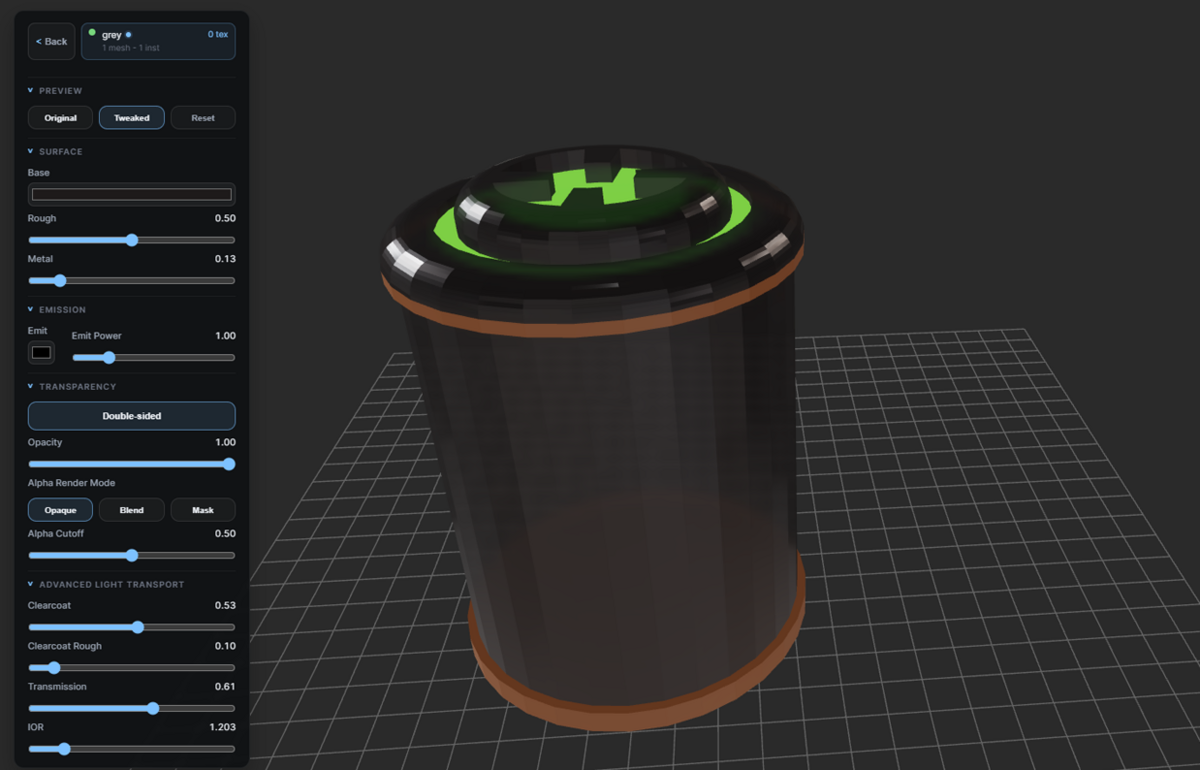
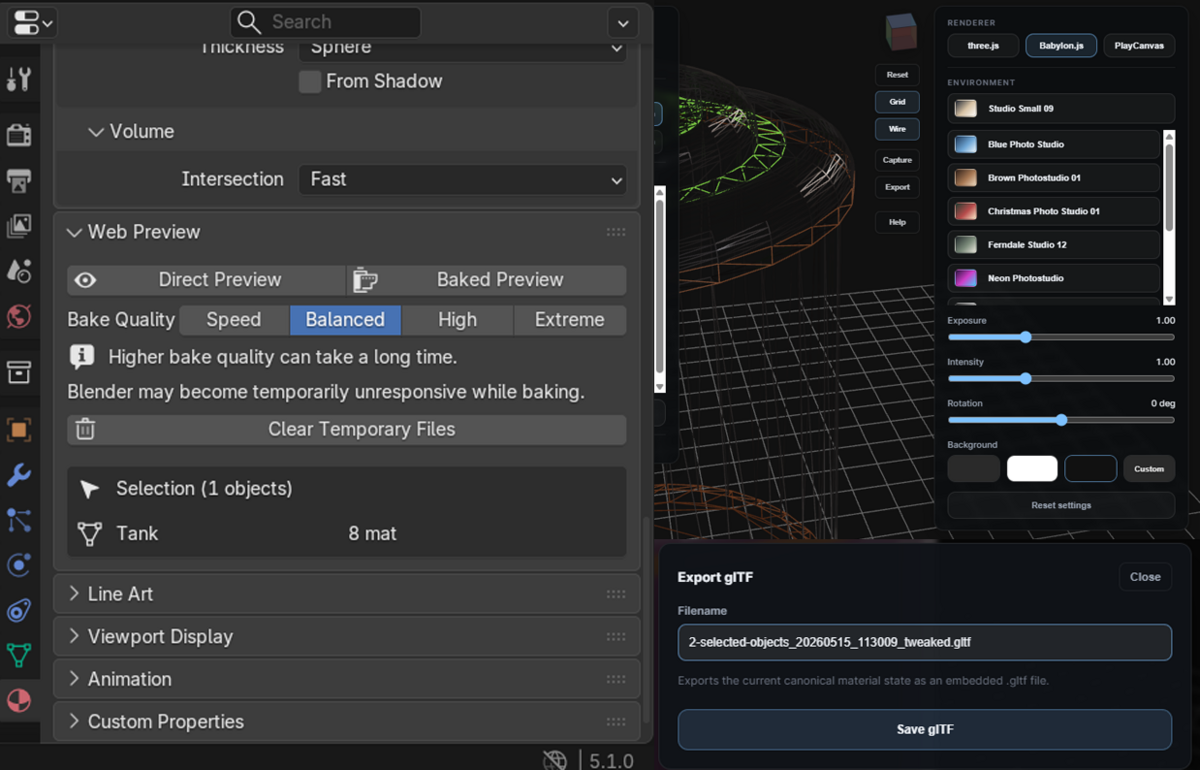
Compare browser renderers
Review assets in three.js, Babylon.js and PlayCanvas, plus a read-only Filament reference preview. Differences are visible before web integration.
Blender material preview add-on
See how Blender materials behave in real browser renderers.
Web Preview sends a selected Blender object to a temporary local browser viewer. It is designed for artists who want to inspect glTF materials and presentation across web rendering engines before exporting, capturing screenshots or sharing assets.
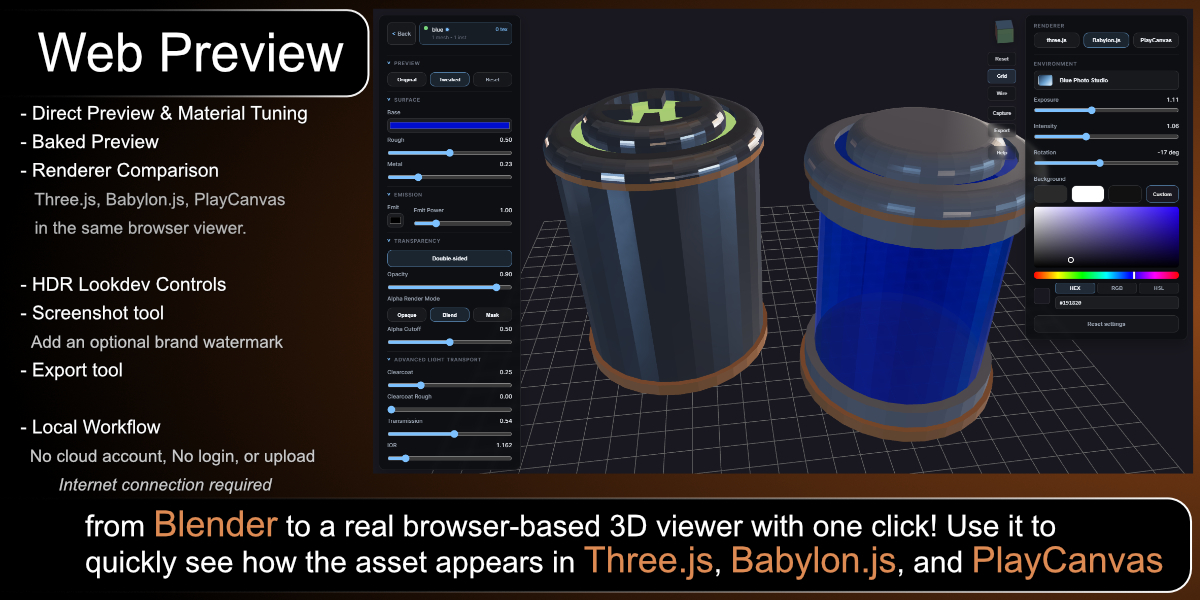
Review assets in three.js, Babylon.js and PlayCanvas, plus a read-only Filament reference preview. Differences are visible before web integration.
Change material properties, HDR environments, exposure, intensity and renderer-specific lighting. Switch between Original and Tweaked looks and export the adjusted glTF where supported.
Isolate bodies, compare materials and save current-view or transparent PNG screenshots, optionally with branding. Baked Preview provides a fallback for complex node materials.
The viewer runs on 127.0.0.1 and does not require cloud uploads or an account. Renderer libraries are loaded from public CDNs, so internet access may be necessary. The baked fallback is not intended for glTF export.