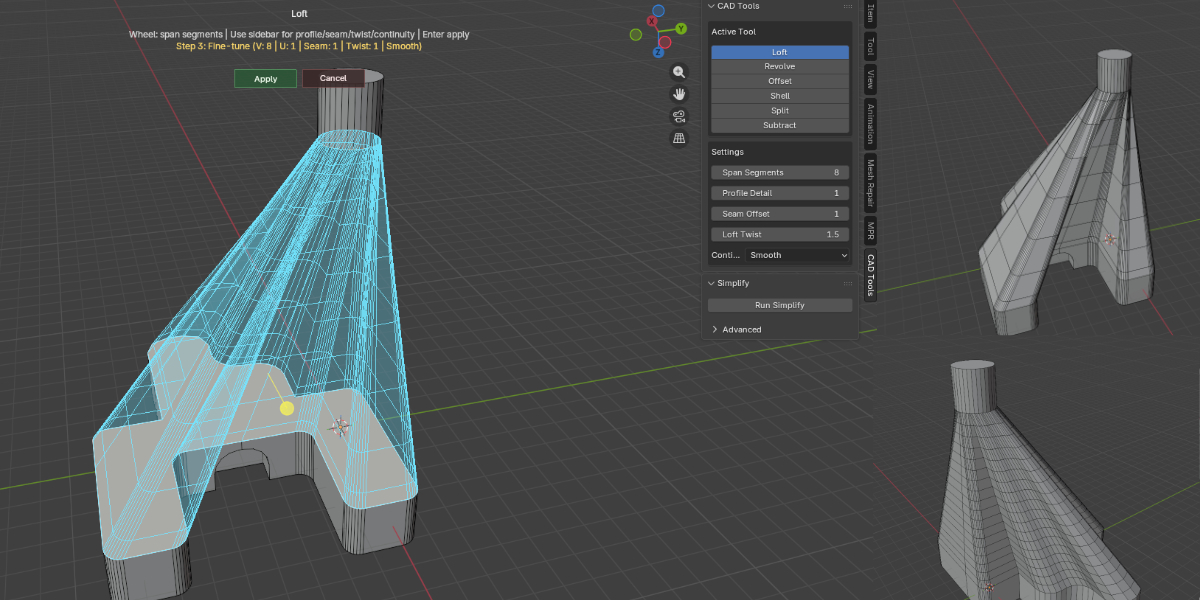
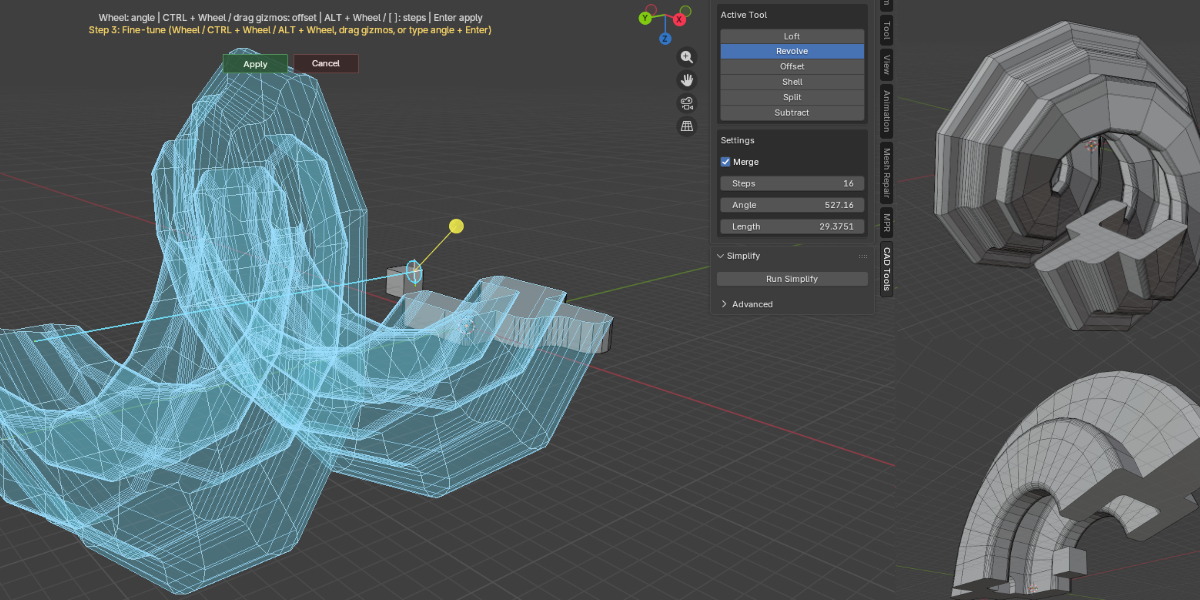
Build surfaces and volume
Loft creates surfaces between selected faces. Revolve generates geometry around an edge axis. Offset builds face-based offsets with controllable values.
Blender hard-surface add-on
Model mechanical forms with deliberate, repeatable operations.
CAD Tools groups CAD-style modeling actions around selected Blender geometry. Instead of chaining many unrelated commands, you work with purpose-built tools and visible controls for common hard-surface operations.
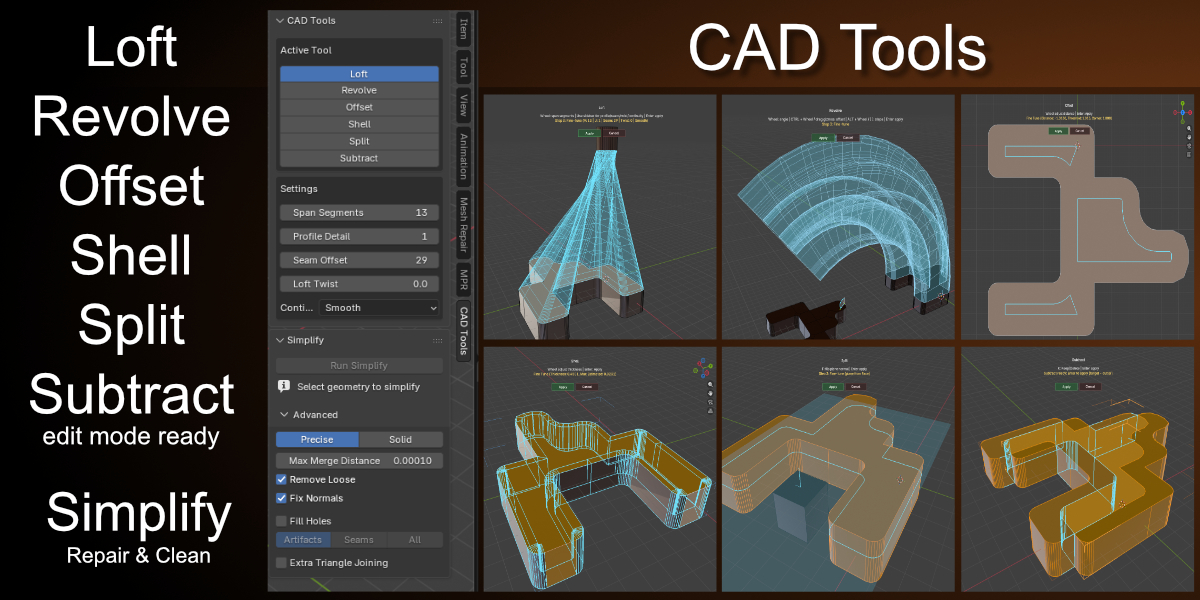
Loft creates surfaces between selected faces. Revolve generates geometry around an edge axis. Offset builds face-based offsets with controllable values.
Shell adds wall thickness using opening faces. Split cuts geometry with a plane. Subtract supports Object Mode and Edit Mode, with optional cutter retention.
Simplify offers Precise and Solid modes for recovering imported or broken meshes before additional modeling work.
The tools prioritize geometry/topology, so materials may not always be retained. Split may intentionally create open cuts; outward negative Offset is not currently supported.