Align geometry with references
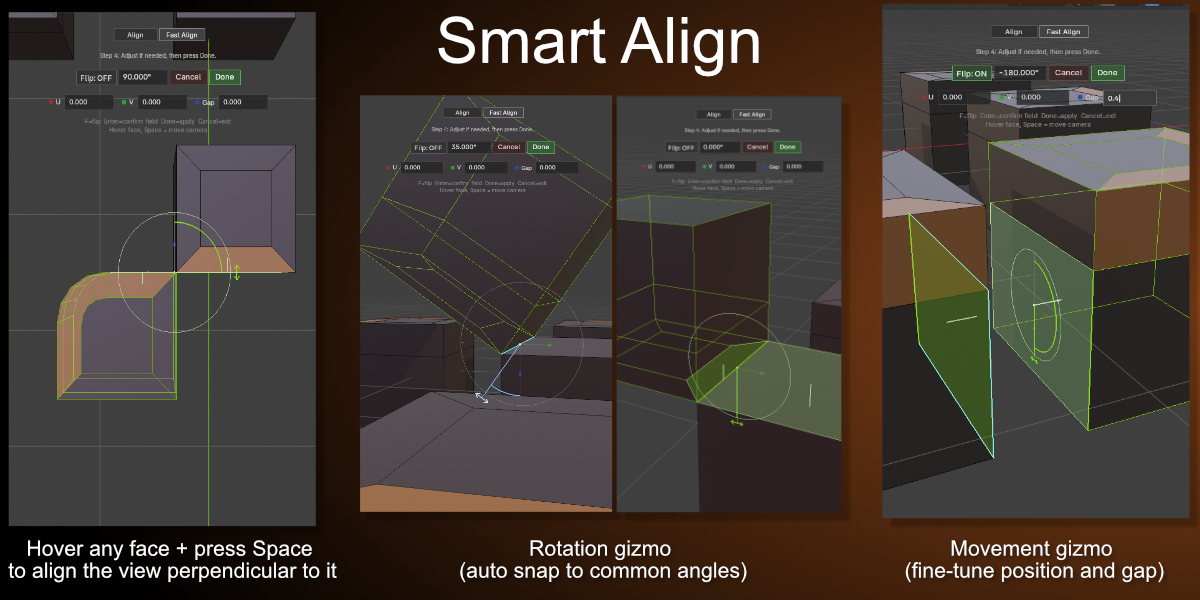
Use a selected face, edge or vertex as the source and a second selection as the target. You can move a connected geometry island rather than transforming isolated vertices.
Blender Edit Mode add-on
Precise alignment without guessing transforms.
Smart Align is built for modeling tasks where one piece of geometry needs to fit another. Select source and target references in Blender Edit Mode, align the geometry, and refine the placement without rebuilding your selection.
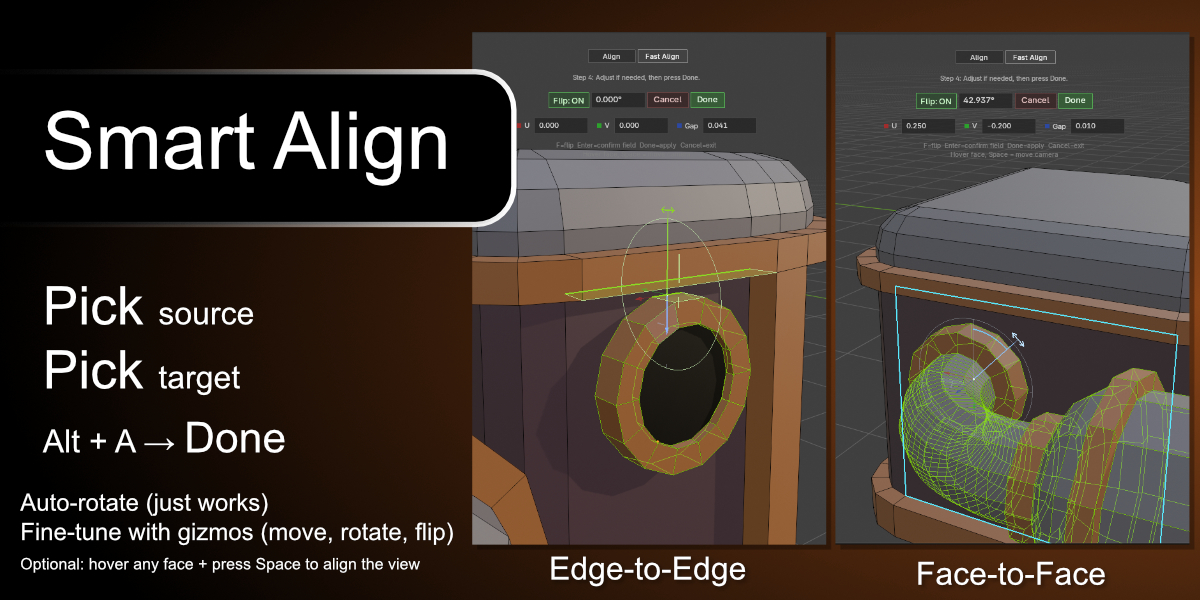
Use a selected face, edge or vertex as the source and a second selection as the target. You can move a connected geometry island rather than transforming isolated vertices.
Use the guided alignment workflow when you need deliberate control, or the faster source-to-target action for straightforward placements.
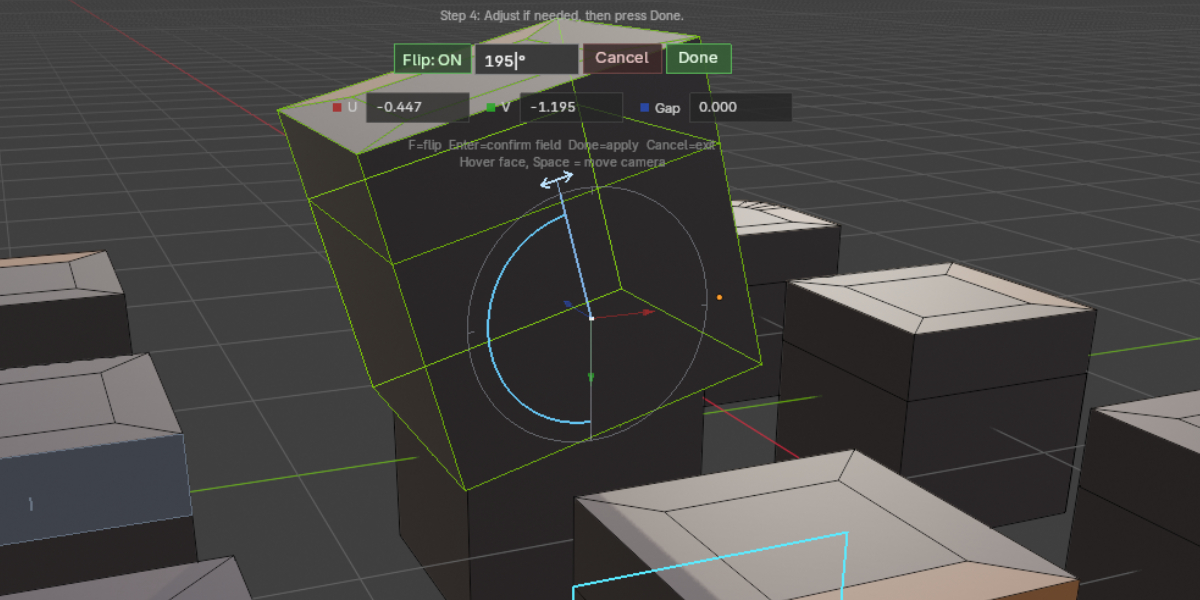
After alignment, adjust rotation and U/V/Gap offsets. Gizmos, snapping cues and face-aligned camera assistance support fine tuning.
Best suited to hard-surface assembly and repeatable placement inside Edit Mode. Smart Align does not replace Blender’s complete transform system; it focuses on reference-driven alignment.